Already recorded it? Turn it into text for free.
Upload a lecture recording and Gistful writes a timed transcript right on your device. Your file isn’t sent anywhere to be transcribed, there’s no minute limit, and it’s free on every plan.
How do I transcribe a lecture I already recorded?
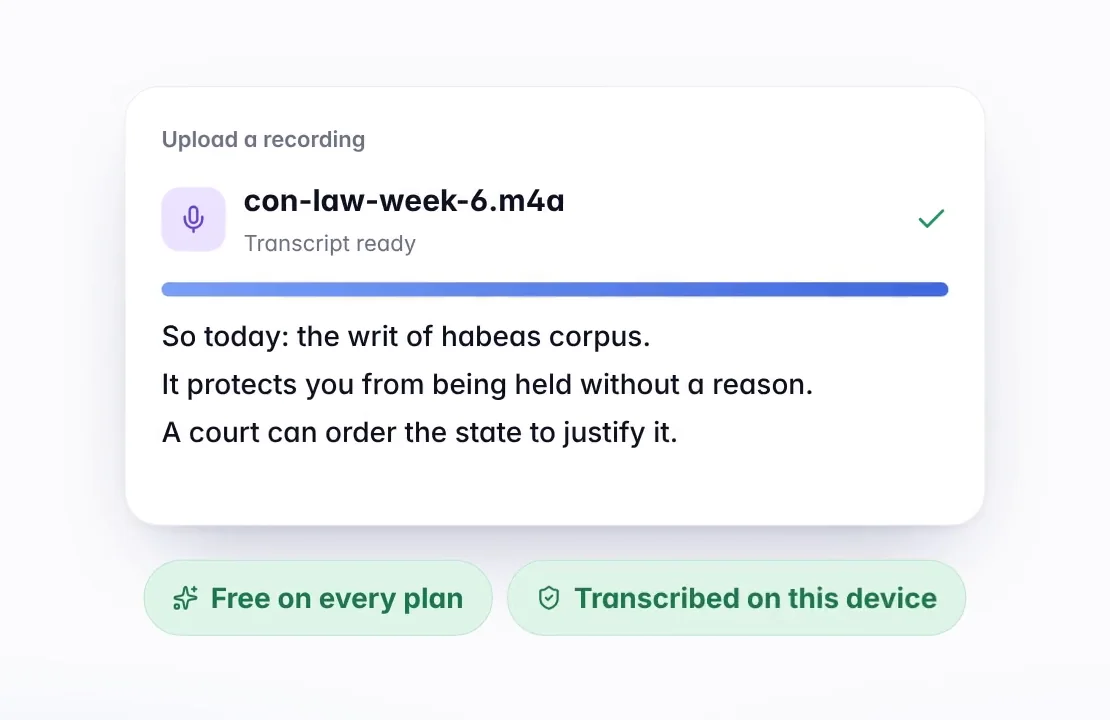
In Gistful, choose Upload recording and drop in your file, or pick one from your device. Give it a title, choose the language that was spoken, and press Transcribe. That’s it.
Gistful listens to the file right there in your browser and writes the transcript line by line, each line timed to the audio. You can watch the text come in as it works. When it’s done, the lecture opens in your library like any other, ready for notes and study.
Which files can I upload?
Most of the formats your phone, laptop or voice recorder makes:
- Audio: MP3, M4A, WAV, WebM, Ogg and FLAC
- Video: MP4, for a lecture you screen-recorded or downloaded
- Up to 3 hours long and up to 1 GB per file
If a lecture runs longer than 3 hours, split it into parts and upload each one. If a file won’t open, an MP3 or M4A copy of it usually will.
Is my recording private while it’s transcribed?
Yes. Transcription happens on your device, not on a server. The first time, Gistful downloads its transcriber once (100 to 150 MB, depending on your device). After that it works offline, so you can transcribe on a train or in a library with no Wi-Fi.
The finished transcript is saved to your account. On the Free plan, the audio file itself stays on your device.
How long does it take?
A long lecture takes a few minutes. A computer is faster than a phone, and keeping the page open until it finishes helps. If something interrupts it, like your device running low on memory, close a few tabs and try again.
What can I do with the transcript afterward?
An uploaded lecture works like one you recorded live. Search it, highlight it, add notes, fix any misheard words (and Gistful remembers the fix), make flashcards and fill-in-the-blank cards, and build a study guide. Here’s how to turn a lecture recording into notes you’ll actually use, including the Cornell method with a transcript.
With Premium, Gistful also keeps the audio with the lecture, so you can tap any line to hear it. See what Premium adds.
Can I skip the upload and transcribe the lecture live?
Yes, and you’ll get the text as it happens. Record the lecture and transcribe it as you go, or for an online class, share the tab in Chrome or Edge and Gistful records what you hear. Either way, the uploader is always there for recordings you made somewhere else, and it’s free with no subscription.
Keep exploring
What should I read next?
What else do students ask?
Is it really free to transcribe an audio file?
Yes. Uploads are transcribed on your device, so there’s no per-minute cost to pass on. It’s free on every plan with no minute limits.
Is my audio uploaded to a server to be transcribed?
No. Your file is transcribed in your browser, on your device. Only the finished transcript is saved to your account, plus the audio if you have Premium and choose to keep it.
Can I transcribe a video of a lecture?
Yes. Upload an MP4 and Gistful transcribes its audio track, up to 3 hours long.
Which browsers can transcribe files?
Current versions of Chrome, Edge, Safari and Firefox. A computer is faster than a phone for long recordings.
Ready for your next lecture?
Make a free account in under a minute, then press Start lecture when class begins.